The room board that never shows a meeting title.
Lintel is a display for your meeting rooms. It reads only busy or free from Google Workspace or Microsoft 365, runs on one small computer inside your building, and is yours to own.
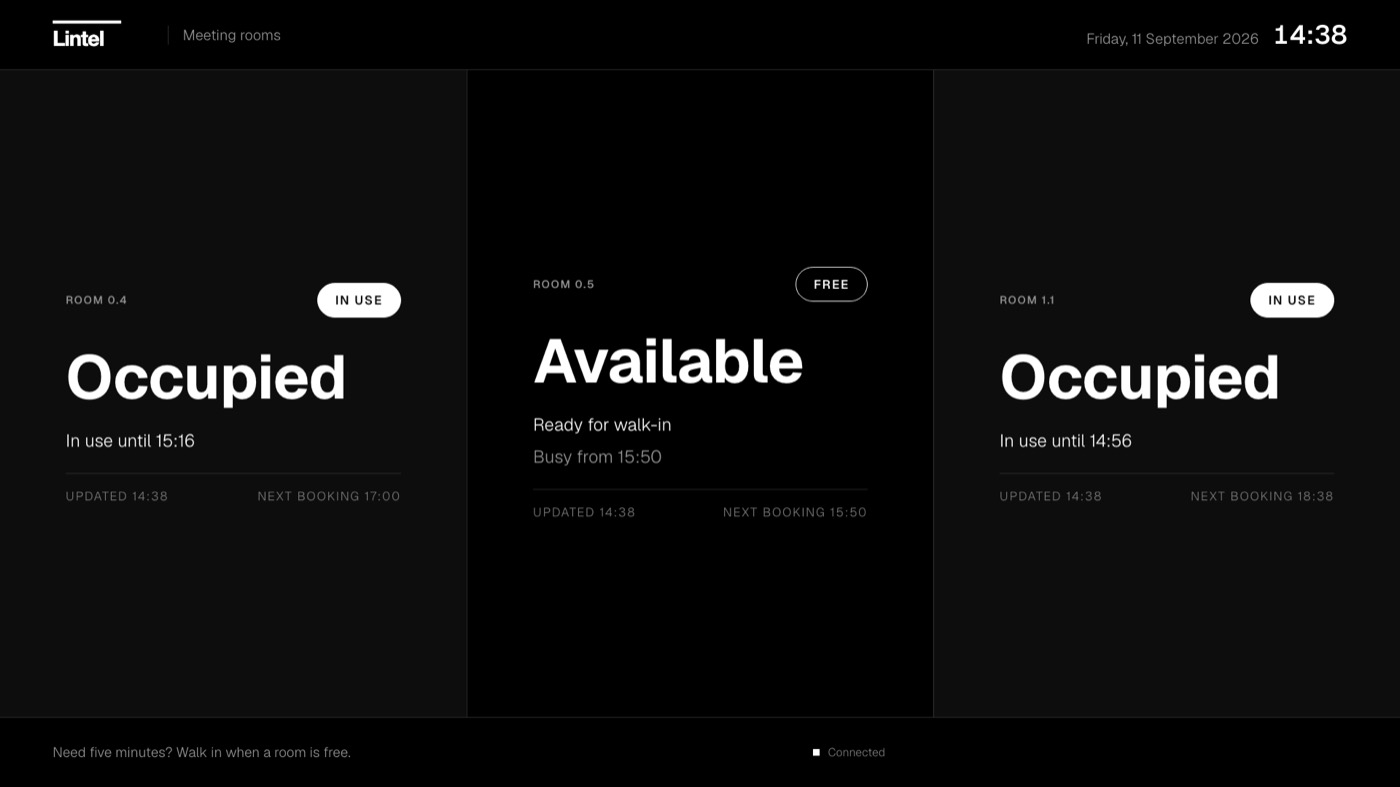
Three things Lintel does differently
It cannot show a title
Lintel asks your calendar one question: is the room busy? It never fetches who booked it or why. Privacy is how it is built, not a setting someone has to remember.
Nothing leaves the building
One computer on your network. No cloud account, no telemetry, no status page to watch. When the internet drops, the board keeps its last reading and says how old it is.
Own it, do not rent it
One price per screen, once. No per-screen subscription that quietly compounds. Updates and support for a year are included; after that they are optional.
Plugged in before lunch.
Plug it in
HDMI to the screen, power, and either Ethernet or your Wi-Fi. The board is on the wall in a minute.
Sign in with your key
Open the admin from your laptop. A password and a hardware security key or passkey, every time. Invite colleagues with the role they need.
Add your rooms and your brand
Point each room at its calendar, then choose your logo, typeface and colours in three short steps. Every change lands on the screen in seconds.
Rooms first. Then whatever your office needs.
Room status and a schedule are built in. Add your own slides, or turn on a plugin: weather, headlines, departures, service status, a live number from a sheet, world clocks.
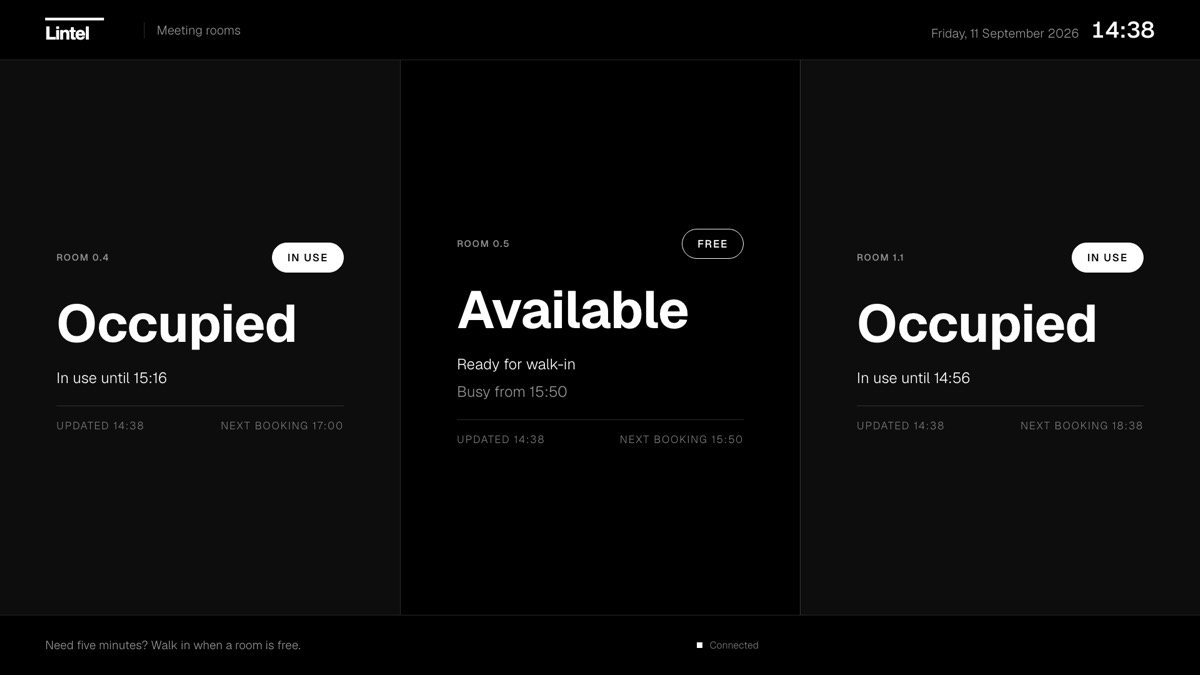
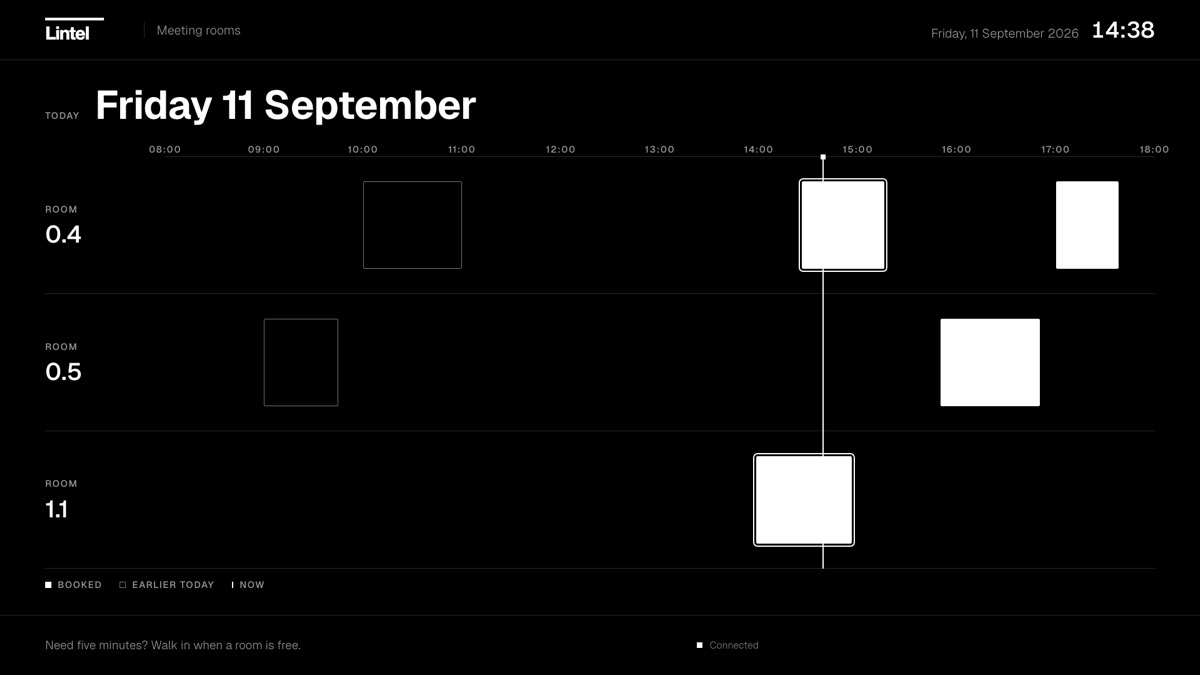
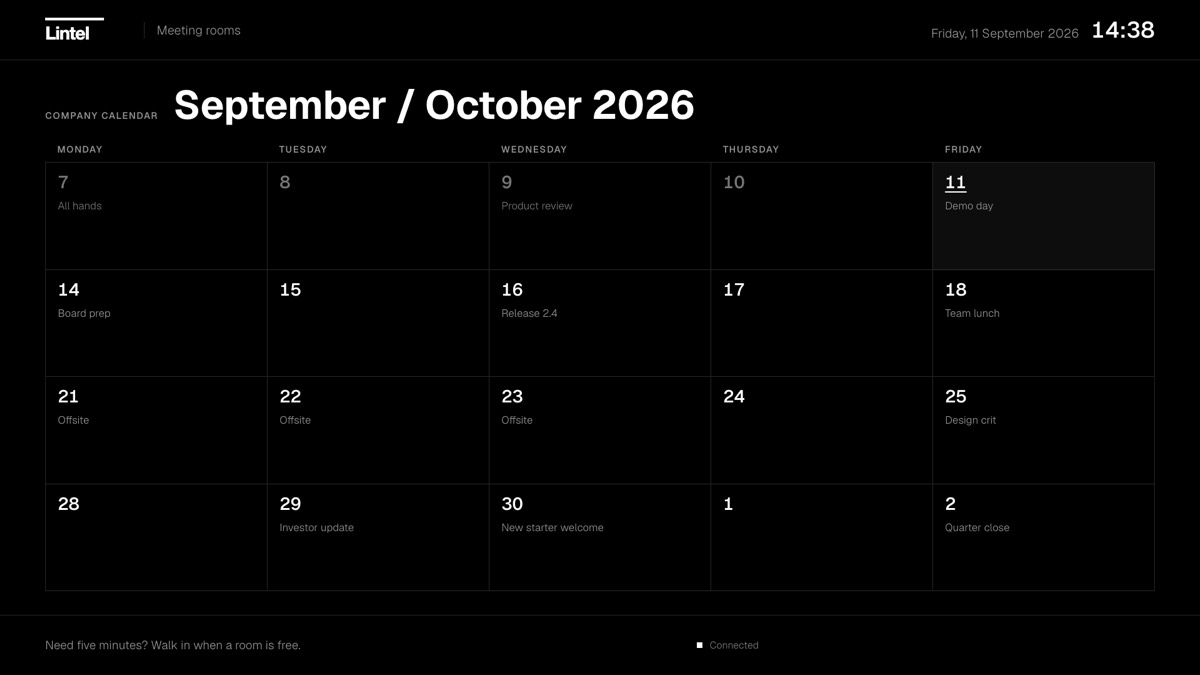
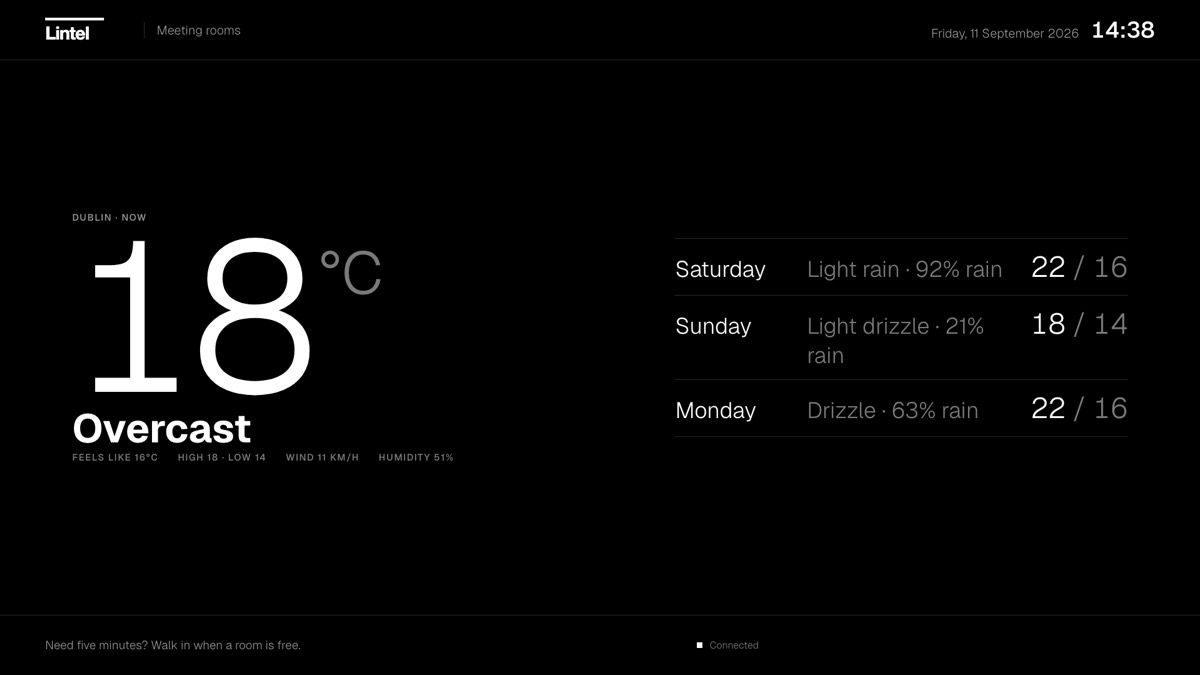

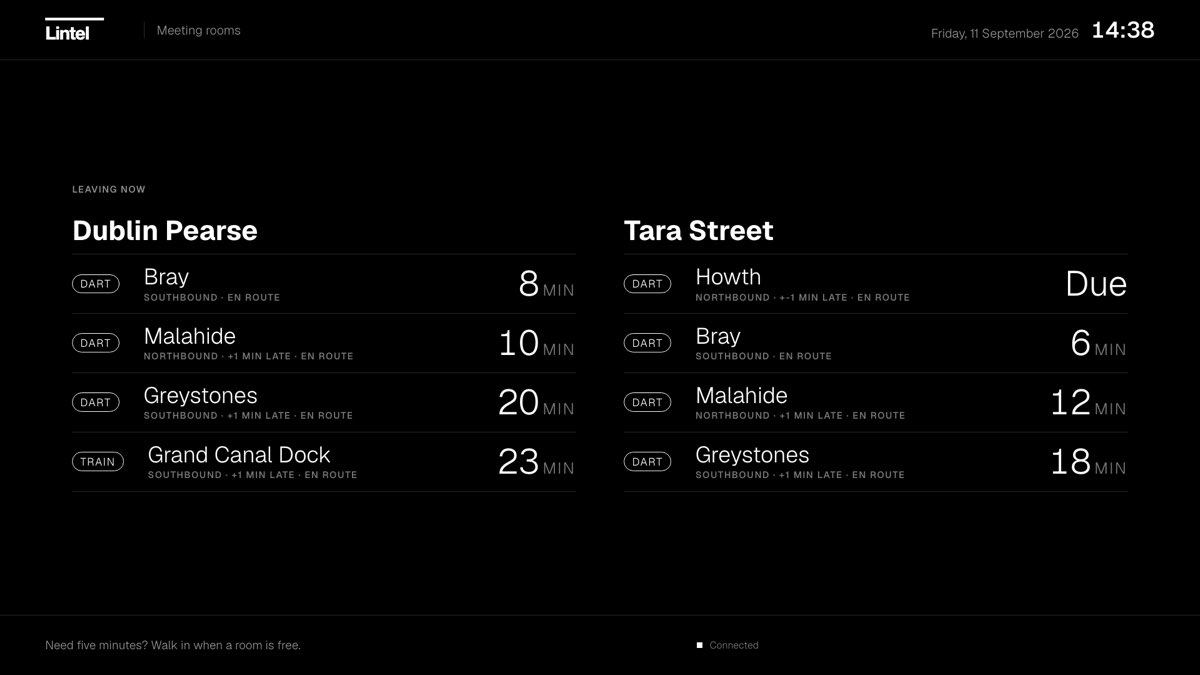
Beside a door. Above a floor. In a lobby.
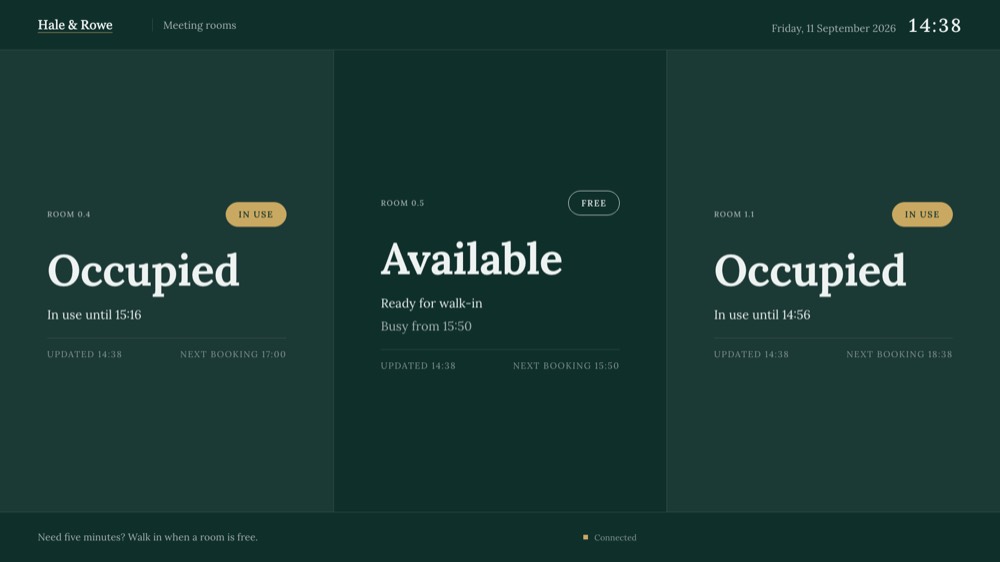
The corridor learns only that the room is taken. Never who is in it.
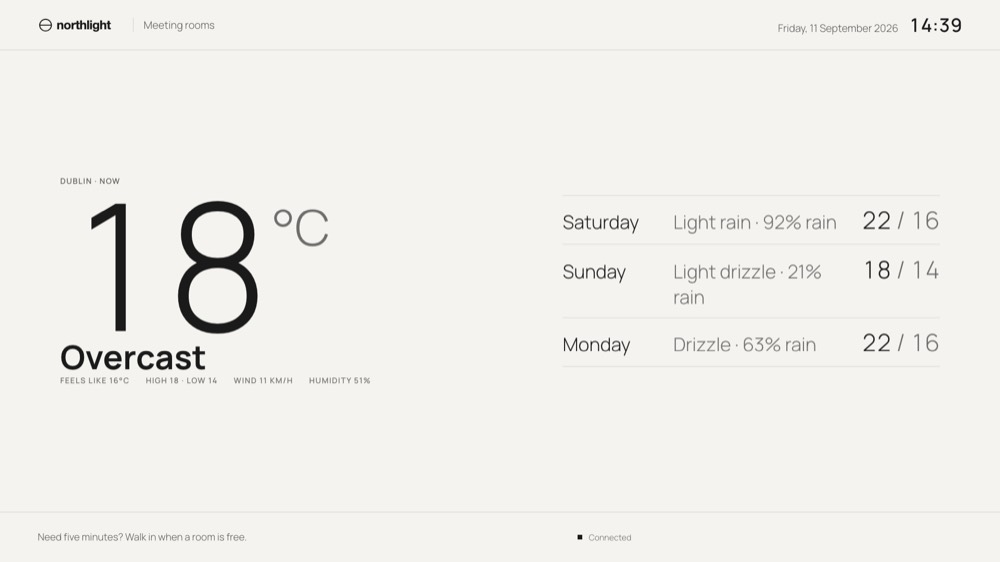
One board above the floor, in the studio's own type and colour.
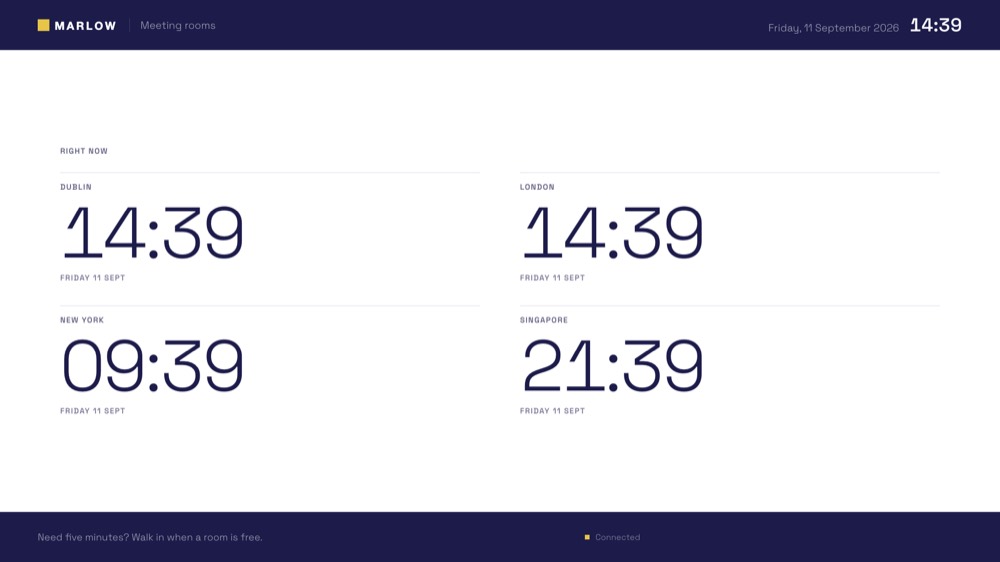
A quiet welcome, the day's notices, the time where your people are.
One price per screen. Once.
Prices in euro, excluding VAT. Updates and email support for twelve months are included with every screen.
Bring your own Raspberry Pi. The installer, a licence key and every plugin.
Choose licenceA Raspberry Pi 5 we imaged and tested, with power supply, case and a setup card. Plug in and go.
Choose applianceFor integrators and agencies. Lintel in your brand, at your price, with the theming kit.
Talk to usAfter the first year, Care is €69 per screen per year for updates, new plugins and support. It is optional; a screen without it keeps working as it is. Full pricing.
Audited, not asserted.
The board and the admin are tested against WCAG 2.2 AA with axe-core and report zero violations on every screen. Every colour clears 4.5 to 1. State is never carried by colour alone: a room is Occupied in words, in a filled pill and in its layout.
Your brand's colours are checked against the same rule when you apply them, so a theme that fails contrast tells you before it reaches the wall.
Does it work with Microsoft 365?
Yes. An app registration in Entra ID with the Calendars.Read permission lets the board read free and busy through Microsoft Graph, in the same title-free way as Google. Microsoft support is new, so the first pilots run it alongside us.
What happens when the internet goes down?
The board keeps showing its last reading and marks how old it is. The admin keeps working on your network. Nothing depends on a service outside the building.
Where does our data go?
Nowhere. The Pi asks your calendar provider whether each room is busy and keeps the answer in memory. There is no Lintel account and no telemetry.
Can it look like our company?
Yes. Logo, typeface and colours are settings in the admin, checked for contrast as you choose them. See how.
What hardware does it need?
A Raspberry Pi 5 and any screen with HDMI. Buy the appliance and it arrives ready; buy the licence and we support the parts list.